Media with Caption Paragraph
The Media with Caption Paragraph Type allows you to easily showcase a video and provide a caption.
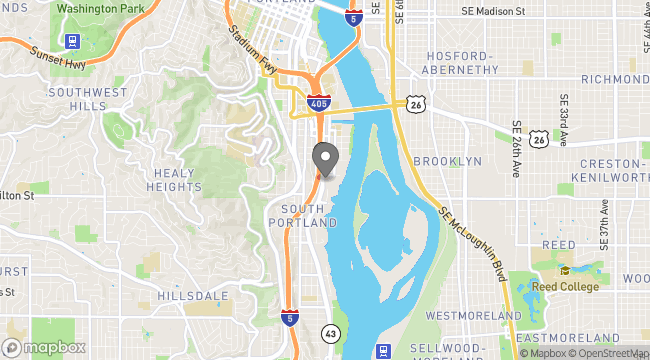
Us Venue name
4310 South Macadam AvenueOnce images have been added, you can drag and drop them to rearrange the order they are displayed on the page. You can also remove images by double-clicking the “X” icon.

Add optional headline, description, and button if desired. The headline and description will appear above your gallery. The button will appear below.
Click Save.
The Media with Caption Paragraph Type allows you to easily showcase a video and provide a caption.

Alternative text (also known as "alt text") provides a textual alternative for media items.

Learn about your site's
Us Venue name
4310 South Macadam Avenue